Visitor Welcome
Your visitor is arriving.
Everything is already set up.
Invite your guests in just a few seconds—NOVA takes care of the rest: practical information sent by email, self-check-in via QR code upon arrival, and real-time notifications for your staff.
Your staff can welcome guests without rushing, allowing your front desk to return to its true role: a warm, human welcome.


One sentence, one scheduled visit, two invited guests. Enhanced invitations, self-service check-in, real-time notifications. Your employees can welcome guests without rushing.
Everything is within earshot!
-
01
Step 1
A statement in natural language.
Amélie opens NOVA and asks it to prepare for the visitor’s arrival. NOVA retrieves the context (visitor has been here before, license plate is known), suggests a parking reservation, and Amélie confirms with a tap.
-
02
Step 2
An enhanced experience for visitors.
Sophie receives the invitation prepared by NOVA in Outlook. Everything is included: the time slot, directions, confirmation of her parking spot, and her personal check-in QR code. She has nothing to ask and nothing to clarify.
-
03
Step 3
Self-service check-in.
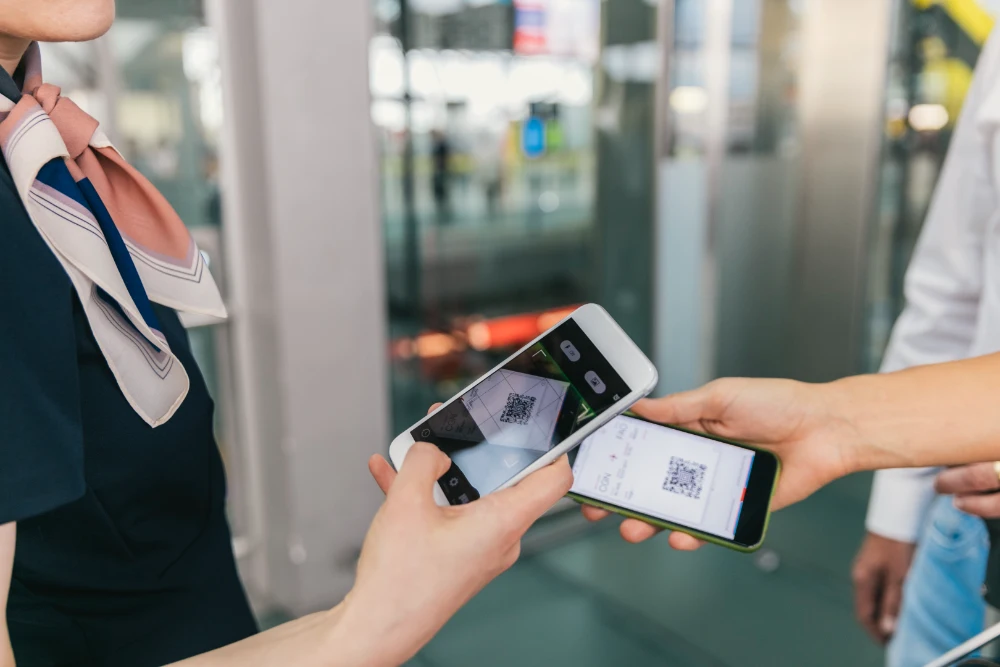
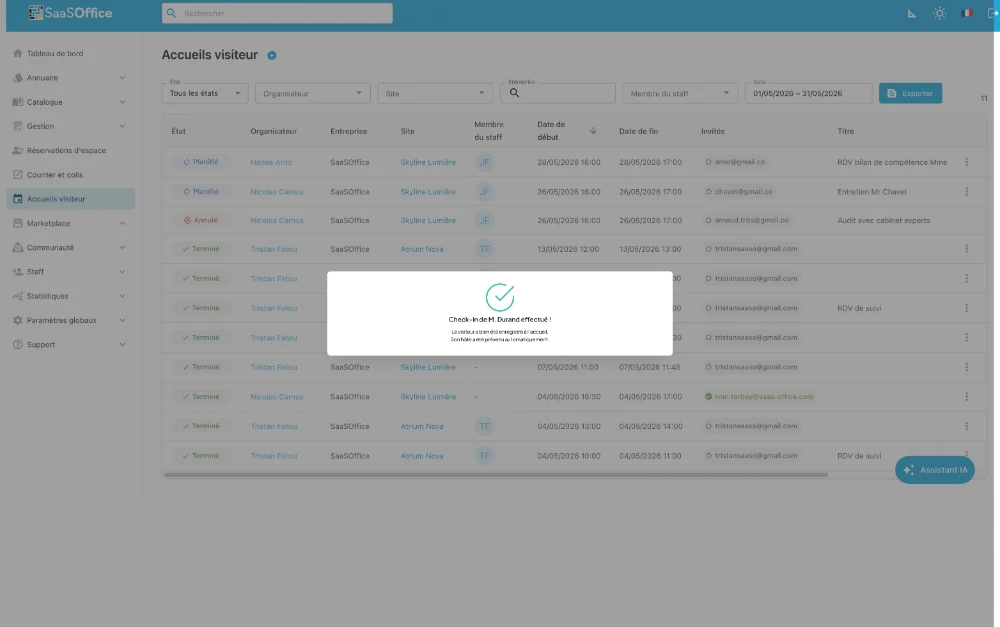
Marc walks up to the counter and scans his QR code with the webcam No manual entry, no ID check, no line. His arrival is logged in two seconds.
-
04
Step 4
The host is notified in real time.
Amélie is notified as soon as the first visitor arrives. She sees the visitor record updated in real time and lets them know she's on her way with a single tap. Just one notification per visit, not one per visitor.
-
05
Step 5
A fence by NOVA.
When visitors leave, the visit is marked as complete at the reception desk. NOVA notifies Amélie with a time-stamped summary and asks her to rate the reception experience. The rating contributes to the site’s quality management.


Hosts check in visitors, visitors scan their passes, and hosts are notified. Your receptionists make eye contact with visitors.
-
01
Step 1
All of today's visits have already been reported.
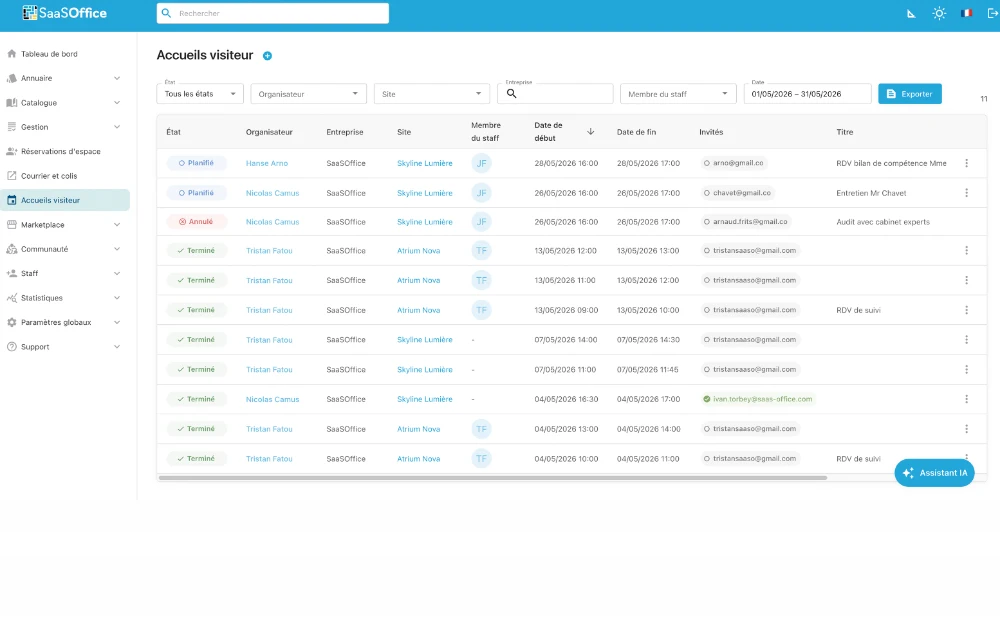
On Fabien's workstation, the list of expected visits for the day is continuously updated. Every voice entry made by a guest is immediately added to the queue. No manual entry by the receptionist is required.
-
02
Step 2
QR code check-in via webcam, with no manual entry required.
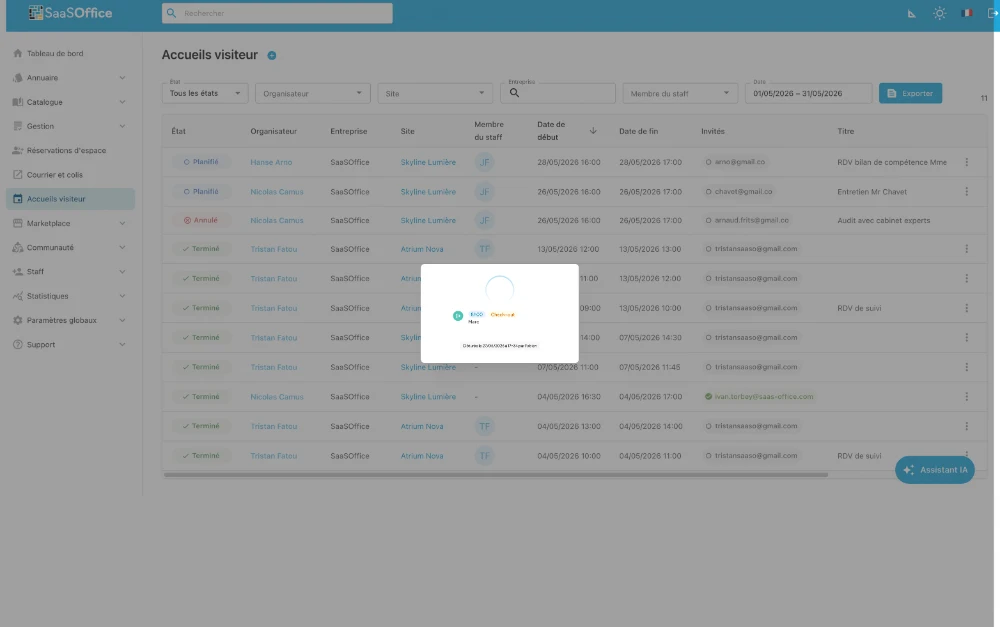
Sophie and Marc approach the counter. Each of them scans their QR code using the station’s webcam The system identifies the visitor, links them to their visit, and Fabien confirms with a tap.
-
03
Step 3
The host notification is sent automatically.
As soon as the first visitor arrives for the tour, the host receives a notification in the app. Fabien stays with Sophie and Marc and shows them where to wait. Notification sent by NOVA.
-
04
Step 4
A one-tap way to end a visit right from the start.
When Sophie and Marc leave, Fabien closes out the visit with a single gesture. No separate closure per visitor. One visit equals one item; one closure equals one tap. Complete timestamped record.