Incident Reporting
A voice interaction.
Two incident tickets created.
Ten seconds.
No more lengthy forms that no one wants to fill out. NOVA listens, categorizes, prioritizes, and locates each incident, then routes tickets to the right team Your users simply report issues, and your managers handle them efficiently.


With just one sentence, multiple support tickets are created and routed. Your employees report the issue, and NOVA takes care of the rest.
Everything is within earshot!
-
01
Step 1
One vocal intention, two incidents.
Amélie opens NOVA and describes her two problems in a single sentence, accompanied by a photo of the carpet. NOVA transcribes her words in real time and automatically identifies Room B23.
-
02
Step 2
Two tickets qualified by NOVA.
NOVA creates two separate tickets, each categorized, prioritized, and assigned a location. Amélie finds them in her incident dashboard.
-
03
Step 3
Real-time tracking.
Amélie tracks the progress of her two incidents directly in the app, without having to follow up or enter any additional information. Status updates appear in real time, with colored dots that change as the status updates.
-
04
Step 4
Confirmation by the employee.
Once the carpet has been treated, Marc (in-house operations agent) asks Amélie to confirm that the result is satisfactory. The ticket is not closed until then. Direct, personal interaction; no NOVA handoff.
-
05
Step 5
Resolution Notice signed by NOVA.
NOVA notifies Amélie that her two issues have been resolved and asks her to rate the service. Following the NOVA rating system to the letter: 5 stars in a row with a single tap.
NOVA assesses the situation and routes it through the CMMS or the integrated ticketing system. Your teams handle the issue, and occupants are notified instantly. Their satisfaction is at the heart of the process.
-
01
Step 1
Qualifying tickets upon arrival.
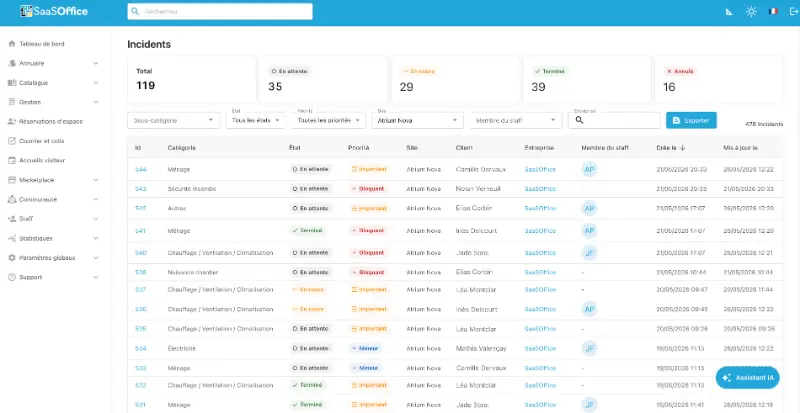
Amélie's two incidents appear in the console, already categorized, prioritized, and geolocated by NOVA. No manual classification is required.
-
02
Step 2, new V2
Duplicates detected; merge proposed by NOVA.
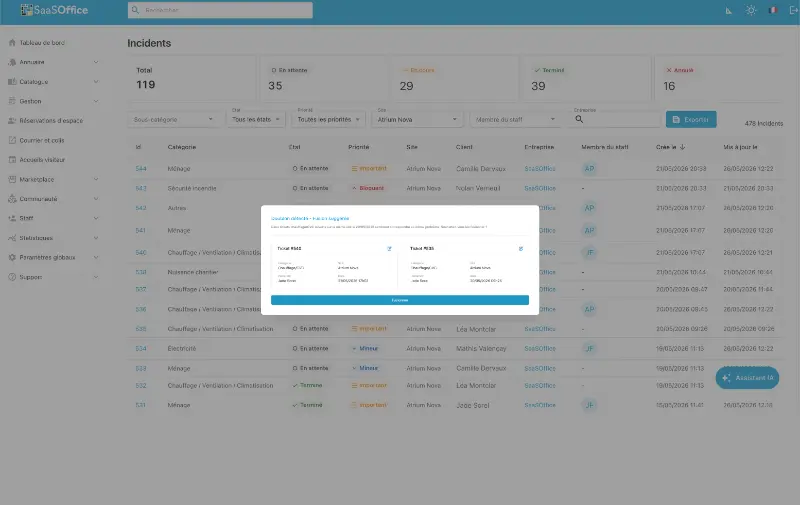
NOVA detects that the HVAC outage in B23 had already been reported that same morning by Mehdi (8:47 am) and Lucas (9:12 am). It suggests merging the tickets to the manager, who approves the merge with a single tap. The janitorial ticket remains separate.
-
03
Step 3
Automatic routing to the correct system.
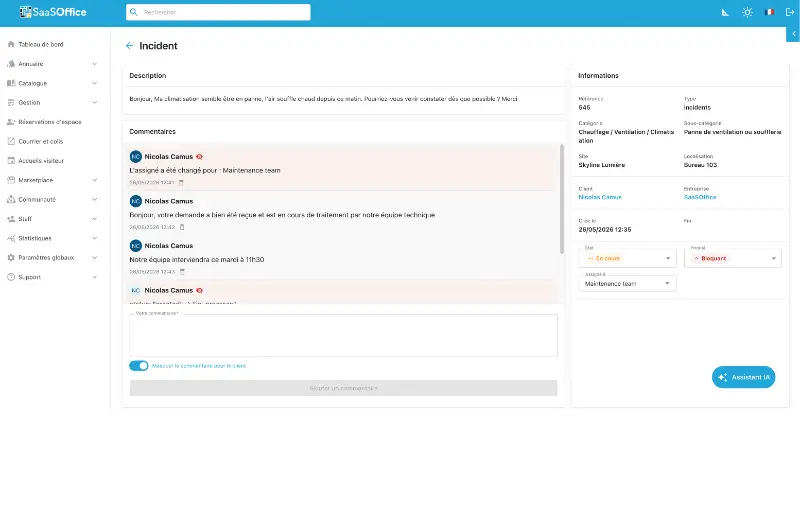
The consolidated CVC ticket is routed to the partner CMMS (Schneider Electric). The cleaning ticket remains in the SaaSOffice integrated ticketing system, assigned to the internal operations team
-
04
Step 4
A console that combines the two streams.
Tasks proceed in parallel across two different systems. The console tracks them in a unified table, with statuses updated in real time.
-
05
Step 5
Employee satisfaction is linked to management.
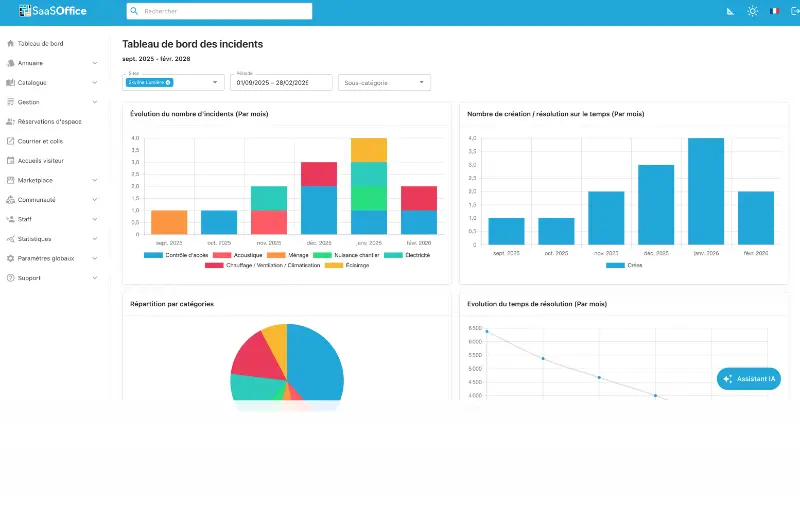
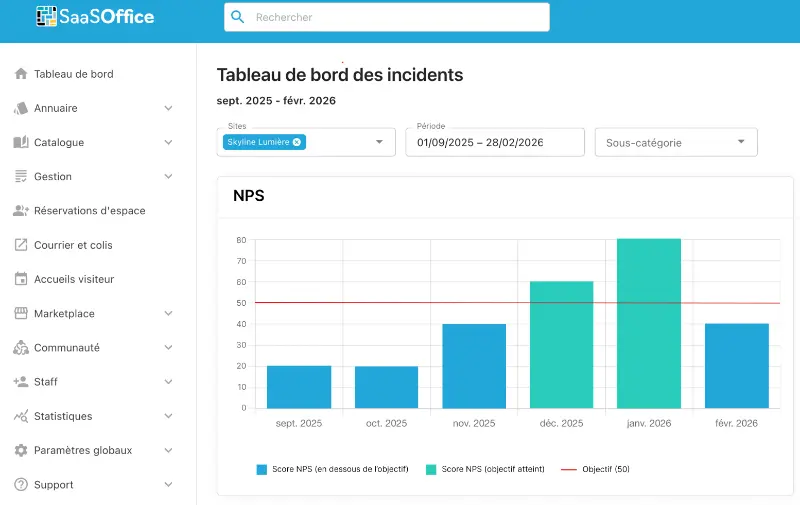
The 5-star ratings are fed into the dashboard; the site’s resolution NPS (4.7 → 4.8) and service provider quality tracking (Schneider Electric row increased) have been updated. Direct link to the Reporting and Management page.