Access Control

Sometimes you forget your ID badge.
But you never forget your phone.
Your doors know that.

SaaSOffice
User View, Léo

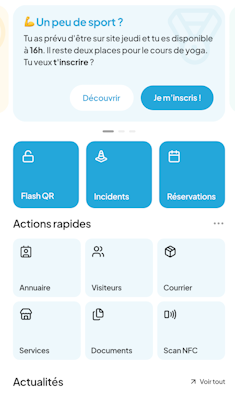
A badge in your phone, frictionless access, paperless audits. Your employees enter as naturally as they breathe.

Everything is within earshot!

  1. 01 Step 1

    With the badge in your pocket, you'll never forget your card again.

    Léo arrives at the office and realizes he left his access card at home. No need to panic—his mobile badge is active in the SaaSOffice app, and the HR sync has been updated. No need to issue a temporary card at the front desk, and no waiting.

  2. 02 Step 2

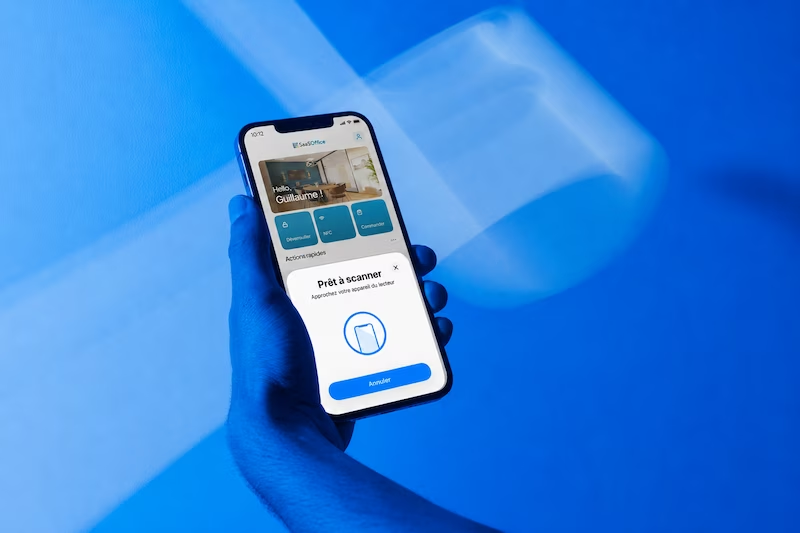
    An NFC solution—without having to take out your phone.

    Léo approaches the door on the 4th floor; his phone stays in his pocket. NFC Background Reading is enabled on iOS and Android for an ultra-smooth experience. The door opens in less than a second, as recorded in the administrator’s system.

  3. 03 Step 3

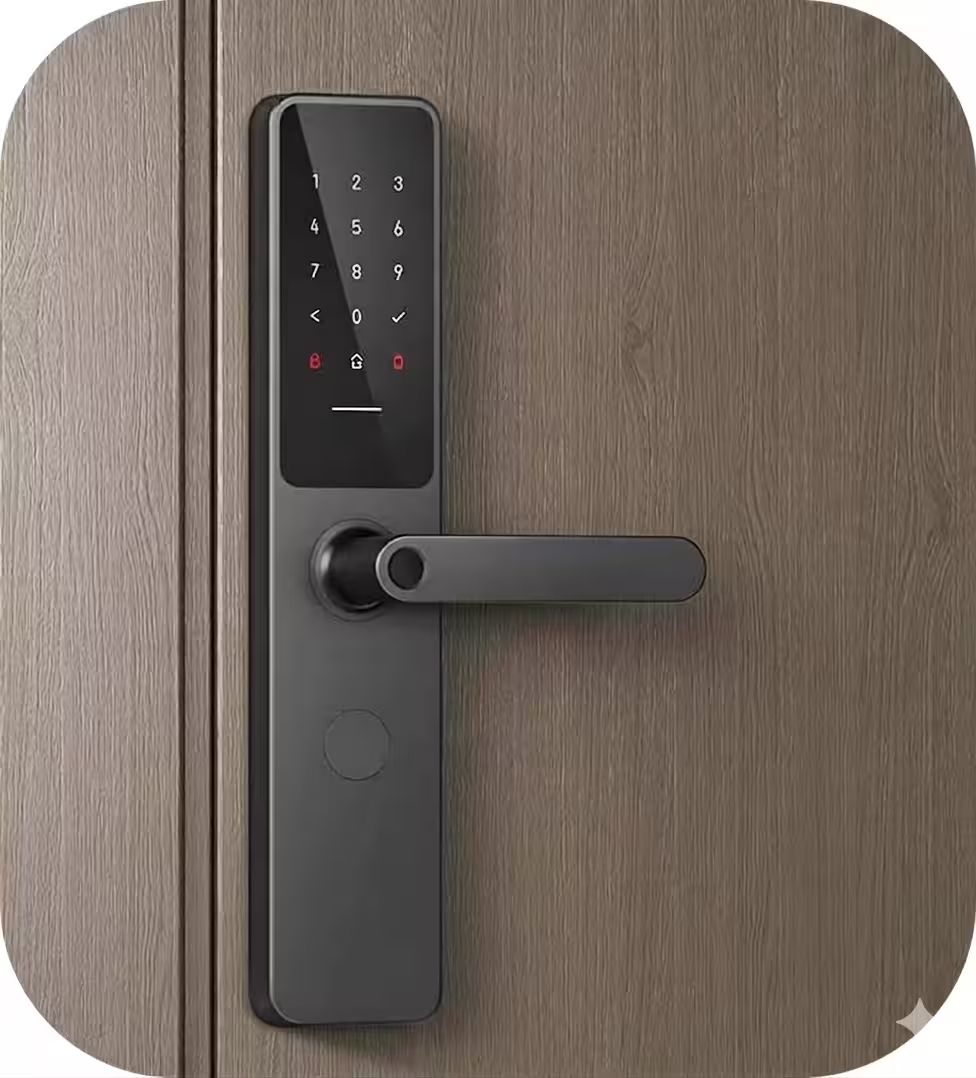
    Fallback to QR code on devices without NFC.

    For doors without NFC readers (secondary areas, partner locations, older readers), a unique QR code appears in the app. Léo scans it with the optical reader, and the door opens in a second. The experience is consistent, and the hardware keeps up.

  4. 04 Step 4

    Invite a visitor in just a few seconds.

    Léo is waiting for Sophie at 2:00 pm in Room 412. With just two taps, he generates a temporary access QR code for her—geofenced to the 3rd floor and valid from 1:30 pm to 4:00 pm Sophie receives it by email along with the floor plan. The code automatically expires at the end of the time slot.

  5. 05 Step 5

    A complete audit trail, with no paperwork.

    From the administrator's perspective, every access event is logged—who, when, where, and by what means (NFC, QR code, visitor). Léo has nothing to report; the administrator has a separate, GDPR-compliant log.


Access Security, Biometrics, and Auditing
SAFETY

Safety at the heart
of every opening.

Every time the app is opened, it requires prior biometric authentication—Face ID, Touch ID, or the Android equivalent. Security does not depend on the phone’s lock screen or a PIN; it is provided by the platform.

For sensitive areas (server room, archives, technical rooms), a second factor may be required depending on the configuration.

Complete audit trail.

WITH OR WITHOUT NOVA

You can see the difference right from the first door.

Six mirrored lines. What your employees are enduring today is what they’ll love tomorrow.

WITH NOVA The experience your employees love
WITHOUT NOVA The experience your employees go through
Badge
Stored digitally on the phone, HR sync completed, no card to issue.
Physical card forgotten, lost, or needing to be reissued; reception desk overwhelmed.
Approach
NFC Background Reading iOS et Android, téléphone en poche, ouverture < 1s.
Take out the card, present it—sometimes twice if the reader is finicky.
Withdrawal
Personal QR codes on non-NFC-enabled scanners: a consistent experience.
Outdated, incompatible readers, paper badge, or manual intervention.
Visitor
Temporary geofenced QR code, automatically revoked at the end of the time slot.
Plastic visitor badge, left at the front desk or never picked up.
Revocation
Effective in 3 seconds across all sites, HR Sync sets everything in motion.
Visiting sites to retrieve cards, manual deactivation, oversights.
Integrations
Compatible with sTid, Sezaam, Salto, ASSA ABLOY, SimonsVoss, TIL, and others.
One solution per site; no multi-site roll-up; no unified audit.
ACCESS FAQ

Your Questions About Access Management

Does NFC Background Reading really work on iOS without a system pop-up?
Yes, since iOS 14 and the widespread adoption of background Core NFC, the phone detects the reader as soon as it’s nearby, without requiring the app to be opened or a pop-up to appear. On Android, background NFC has been a native feature since Android 8. For users on older devices, the QR code fallback remains accessible with just two taps. The experience is consistent—no dead ends, no friction from system pop-ups.
If my phone is broken or lost, how do I regain access?
For employees, a temporary QR code is generated by the SaaSOffice web app, which can be accessed from any other device. The administrator can also issue a backup paper badge, valid for a few days, with a traceable history. Once the phone is recovered or replaced, the HR sync automatically redeploys the mobile badge to the new device. You’ll never be locked out of your office.
Are you replacing my access control solution, or are you syncing with it?
Synchronization, never replacement. SaaSOffice does not affect your access hardware. Mobile badges and QR codes are issued to work with your existing readers (sTid, Sezaam, Salto, ASSA ABLOY, SimonsVoss, TIL, and most IP solutions on the market). In terms of access rights, SaaSOffice synchronizes with your access control software or can control it directly via API if you prefer. You keep your existing hardware contracts while gaining a consistent mobile experience.
GET STARTED

We're here to help you over the phone.

30 minutes. We’ll take a look at your existing readers and security requirements, and then we’ll show you how NOVA unlocks a door on one of your floors.