Space Booking System: How to Manage Meeting Rooms and Flexible Desks
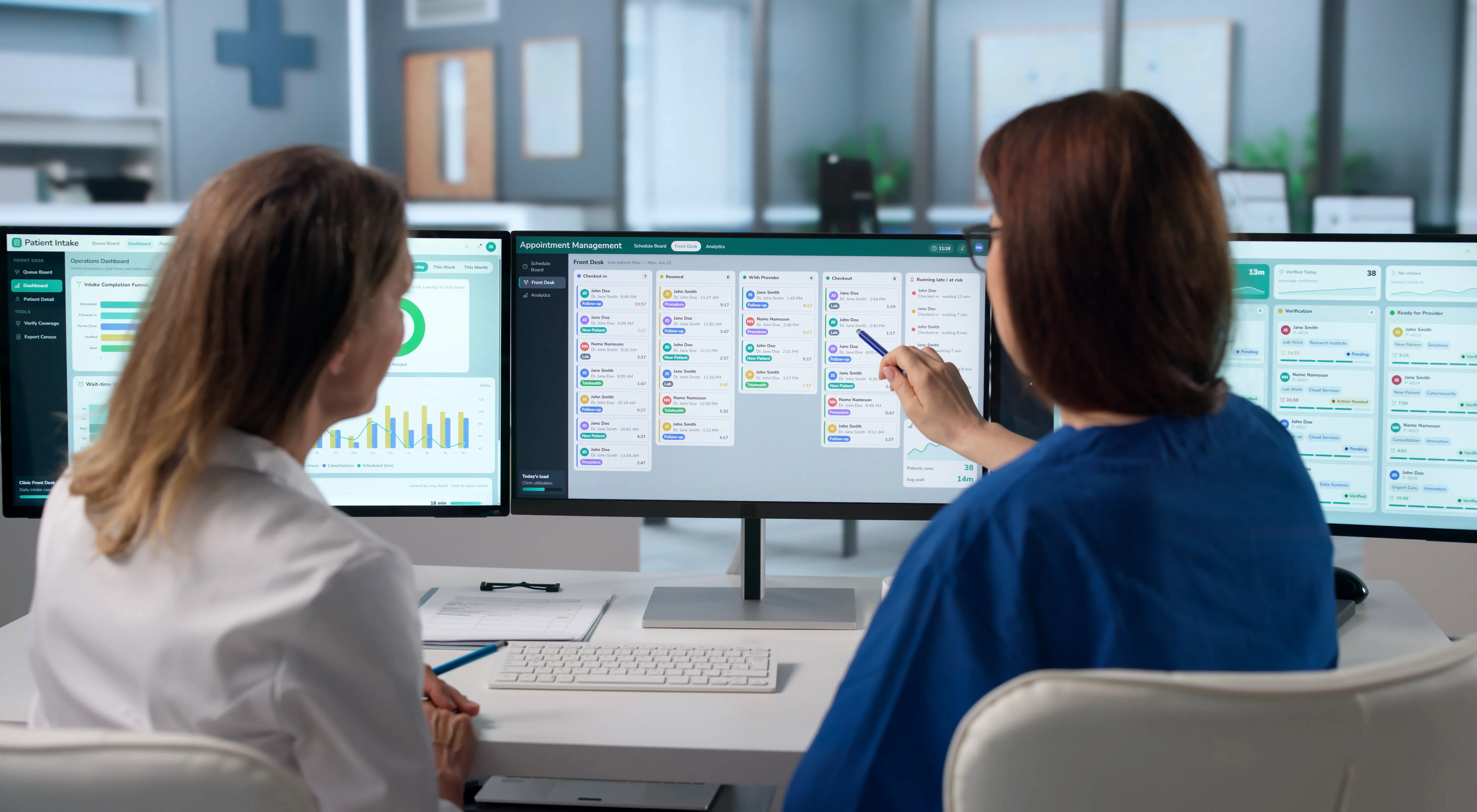
Meeting rooms and flexible desks serve different purposes and follow different rhythms. Yet many companies book them the same way: same duration, same rights for everyone, no attendance check.
The result: 10-seat rooms occupied by two people, ghost meetings blocking time slots, and flexible desks impossible to find on busy days.
An effective space booking system is not judged by its interface, but by its ability to adapt to each type of space. Here is how to set up each one.
Meeting rooms and flexible desks: two different booking logics
Each type of space serves a distinct purpose. It is therefore booked over a different time unit and carries a different risk.
- Meeting room: an organizer books it for a group, for a slot ranging from 30 minutes to half a day. The main risk is a room that is blocked but empty, or too big. What you need is a room suited to the group, released automatically if nobody shows up.
- Flexible desk: each employee books it for themselves, for a full or half day. The main risk is saturation on peak days. Hence the value of anticipating those peaks.
Booking both the same way creates bottlenecks. A room booked for the whole day blocks every meeting on the floor. A flexible desk booked by the hour breaks up the working day.
The system should therefore let you configure each type of space separately.
Managing meeting rooms: matching the room to the group and releasing ghost bookings
The meeting room is the most sought-after space, and the most poorly used. The problem rarely comes from the number of rooms, but from the way they are allocated.

Matching capacity to the number of attendees
According to sensor data from Density, people alone or in pairs occupy an oversized room 50 to 59% of the time. Yet a room of the right size was unavailable only 3% of the time.
The direct consequence: teams of 5 to 10 people cannot find a suitable room on their floor 30% of the time.
It is better to suggest a room that fits the number of attendees and the equipment requested, rather than the first available one. Large rooms then remain free for the meetings that actually need them.
Automatically releasing bookings with no attendance
Meetings cancelled without releasing the room take a heavy toll. According to a guide by software vendor YAROOMS, updated in September 2026, 30 to 40% of booked rooms go unused in a typical week. This rate can exceed 50% in organizations without a check-in system.
Asking for an attendance confirmation at the start of the slot is enough to reduce this waste. Without confirmation after 10 minutes, the room becomes available again for other employees.
Managing flexible desks: anticipating busy days
The flexible desk is the most exposed to demand peaks. By definition, there are fewer desks than employees, and demand concentrates on the same days.
Anticipating peak days
With fewer desks than employees, the question is not whether some days will be saturated, but which ones.
Occupancy peak forecasts answer that question before it even comes up. They flag in advance the days when demand is likely to exceed supply, and leave time to get organized.
What to configure before launch
In many companies, booking conditions live in an Excel file and exceptions are handled manually. It is better to define them with facilities, HR and managers before opening the system, then adjust them after a few weeks of use.
- Meeting rooms: suggestion of a room suited to the number of attendees and the equipment, mandatory check-in with automatic release after 10 minutes.
- Flexible desks: tracking of peak forecasts to anticipate busy days.
SaaSOffice: NOVA handles every booking from start to finish
At SaaSOffice, the AI assistant NOVA takes care of it without employees having to think about it. They simply state their request in one sentence, for example: "Book me a room with a screen for six people on Thursday afternoon, with Julie and Salma on site."
NOVA then cross-checks calendars, office attendance, room availability and equipment. It suggests the room that fits the group, closest to the organizer's desk.
With one tap, the room is booked, the indoor route is ready and the slot is added to the calendar. With Microsoft 365, the Teams invitation goes out to attendees and the room is marked as busy in Exchange. Google Workspace is also integrated, and booking works without these tools too.
If nobody checks in within 10 minutes, NOVA automatically releases the room.
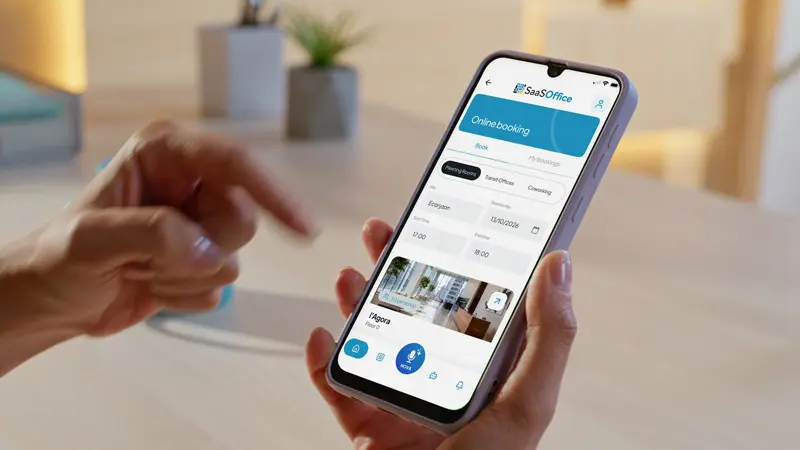
Rooms under maintenance are also left out. As soon as a room is marked out of service in the partner CMMS or in SaaSOffice's built-in ticketing, NOVA stops suggesting it, even if Outlook shows it as available. Nobody ends up in front of a room closed for repairs, and the schedule stays consistent with what is happening on site.
On the manager side, booking policies are configured by user group: access rights, maximum duration, exclusion of certain rooms from voice booking. NOVA's recommendations and peak forecasts then help fine-tune them.
To see how NOVA handles a booking from start to finish, visit SaaSOffice's Space Booking page.
Conclusion
Meeting rooms and flexible desks do not raise the same issues. The former suffer from ghost meetings and oversized rooms, the latter from saturation on busy days. Managing them separately, each according to its use, changes daily life for employees and facilities teams alike.
Configuration is done by type of space, then refined as usage data comes in. To go back to the basics, our complete guide to workspace booking details the criteria for choosing a tool.
Want to see NOVA book on your own calendars? In 30 minutes, we connect your Microsoft 365 in a test environment, and NOVA books on one of your sites.
FAQ: managing meeting rooms and flexible desks
Which room should be suggested first when several are available?
A room suited to the number of attendees and the equipment requested, as close as possible to the organizer. NOVA cross-checks these criteria with attendees' calendars and office attendance.
Can I book a room without Outlook or Teams?
Yes. With SaaSOffice, booking happens directly in the app, and attendees receive an email invitation. Microsoft 365 and Google Workspace are integrated, but not required.
What happens when a room is under repair?
With SaaSOffice, a room marked out of service in the partner CMMS or in the built-in ticketing disappears from NOVA's suggestions, even if Outlook considers it available. Employees no longer book a room they cannot use.
Photo credit : Drobot Dean, Andrey Popov – stock.adobe.com