Visitor management in the workplace: towards smart, secure reception

9:15 a.m. on a Tuesday. Three contractors are waiting at reception, a candidate is looking for the interview room, and a courier wants to know who to leave a parcel with. The person on the front desk writes names in a paper logbook and hands out plastic badges, some of which will never come back.
By noon, nobody really knows who is still in the building. This is far from an isolated case: according to a 2026 Envoy study of 1,076 security, IT and facilities leaders, 44% of organizations cannot say who was on their premises the day before. And 79% experienced at least one unauthorized access incident over the past year.
Secure visitor management in the workplace is not about making reception stricter. It rests on three moments: before the visit, on arrival, and during the time on site. Here is how to organize each of them, and what automation changes for your front-desk teams.
Spot the weak points at reception: where the paper logbook falls short
Most security gaps don't come from a dramatic break-in. They grow out of small everyday compromises: a visitor who goes upstairs alone because their host is running late, a badge lent "just for the day", a door held open out of politeness.
The paper logbook: readable by everyone, useful to no one
A notebook on the front desk does a poor job at both of its roles. On the security side, it doesn't tell you who is still there: departure times are rarely written down. On the privacy side, every visitor can read the names and companies of those who came before. Yet GDPR applies to the visitor log, whether on paper or digital. The data collected must be limited, protected and deleted after a set period. That is hard to guarantee with pages filed away in a drawer.

The profiles that are hard to track: contractors, couriers and unexpected visitors
The one-off visitor invited to a meeting is the simplest case. The real grey areas are elsewhere:
- Recurring contractors (maintenance, cleaning, consultants) come back often, across several sites. According to the same Envoy study, 71% of organizations don't recognize the same contractor from one site to another: they are registered as a newcomer at every address, with no shared history.
- Couriers and delivery drivers turn up without an appointment, often at peak times.
- Unexpected visitors arrive without their host having announced them, which forces reception to improvise.
Each of these profiles calls for a different response. The following sections address them at each stage of the visit.
Prepare the visit in advance: an expected visitor is already identified
Reception security is decided before the visitor walks through the door. A visit registered the day before leaves time to check who is coming, who they are seeing and for how long.
Register every visit before arrival
When hosts register their visits in advance, reception has the list of expected guests every morning. A stranger at the desk stands out immediately.
The visitor, for their part, receives everything they need beforehand: address, directions, time, and a parking space if needed. They arrive at the right place, on time, without wandering the floors in search of their contact.
The obstacle is well known: filling in a web form for every guest puts employees off. The simpler the registration, the more often it gets done. That is where automation makes the difference.
Manage recurring contractors over a set period
Re-registering the maintenance technician every week makes no sense. It is more efficient to register them once, then grant access valid for a defined period: a week, a month, or the length of the contract.
When the period ends, access expires on its own. Nobody has to remember to deactivate it.
Control arrivals and presence: open access in the right place, for the right time slot
Once the visitor is on site, the challenge shifts. It is no longer about who is coming, but where they can go, for how long, and whether they have left.
Check visitors in without a queue
A visitor who has already been registered doesn't need to give their details at the desk. A personal QR code, received with their invitation, links them to their visit in a few seconds. The host is notified automatically.
The receptionist stays in control of exceptions: the visitor who forgot their phone, the courier without an appointment. They register them on the spot and select the host, who receives the same notification as for a planned visit.
Limit access to the floor and time slot of the visit
A plastic visitor badge often opens far more doors than necessary, and rarely makes it back to reception. Temporary access restricted to one area and one time slot cuts this risk at the source.
A visitor expected at 2 p.m. on the 3rd floor can only open doors on the 3rd floor, from 1:30 to 4 p.m. At the end of the slot, access is revoked without anyone stepping in. There is no badge to collect.
Know who is on site in real time
A visit recorded on arrival must also be closed on departure. Without this step, the list of people on site keeps filling up and never empties.
With a time-stamped check-out, reception has an accurate picture at all times of the visitors still in the building. It is the first piece of information requested during an evacuation.
Keep a record of entries without keeping everything
Traceability has a limit: the retention period. In its framework published on April 2, 2026, France's data protection authority (CNIL) recommends keeping non-biometric access logs for 3 months after they are recorded, as detailed by LégiSocial.
This period is set in advance and entered in the record of processing activities. A history limited to what is necessary protects visitors and the company alike in the event of an audit.
What to set up before launch
In many companies, the reception procedure lives in the receptionist's head. It is better to formalize it with facilities, security and the DPO before equipping reception, then adjust it after a few weeks of use.
- Visitor profiles: one-off visitor, recurring contractor, courier, unexpected visitor, with a journey for each.
- Accessible areas: which floors and doors open for a visitor, and over what time slot around the visit.
- Validity of recurring access: a week, a month or the length of the contract for contractors.
- Data collected: only what is strictly necessary (name, company, host, times) and a retention period entered in the record of processing activities.
- Plan B: what to do for a visitor without a QR code or a phone (forgotten, flat battery), so they are never stuck at reception.
- Visit check-out: who does it, and when, so the list of people on site stays accurate.
SaaSOffice: NOVA prepares and secures every visit
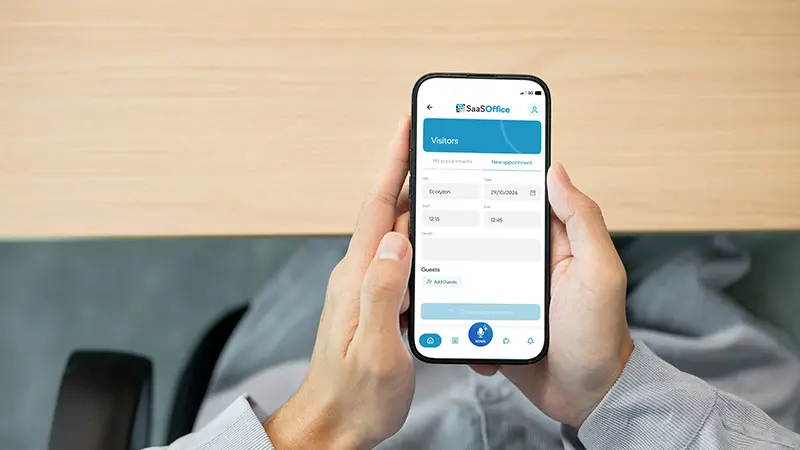
At SaaSOffice, the AI assistant NOVA handles the step most often neglected: registration. Employees make their request in one sentence, by voice, for example: "Sophie Lambert is coming to see me on Tuesday at 10 a.m., make sure reception is expecting her."
NOVA registers the visit and retrieves the context: Sophie has been here before, and her license plate is on file. It offers to book her a parking space, and the employee confirms with a tap.
Sophie receives a complete invitation in Outlook: time slot, directions, parking space and a personal check-in QR code. She has nothing to ask.
At reception: a two-second check-in, access limited to the visit
On the day, Sophie shows her QR code to the webcam at the desk. Her arrival is recorded without any data entry, and her host is notified in the app. An "On my way" button lets the host signal that they are coming.
When SaaSOffice access control is deployed, the visitor can also receive a temporary access QR code. It is limited to the floor of the visit and automatically revoked at the end of the time slot. SaaSOffice syncs with the readers already in place (sTid, Sezaam, Salto, ASSA ABLOY, SimonsVoss, TIL…), with no hardware change.
Special cases are covered too:
- A recurring contractor is registered once. Their QR code stays valid for the period set by the manager: a week, a month or the length of the contract.
- A courier or unexpected visitor is registered by the receptionist from the console. The selected host is notified immediately.
- A visitor without a QR code is found by their name or their host's, and their arrival is confirmed in two taps.
For managers: an up-to-date console and a usable history
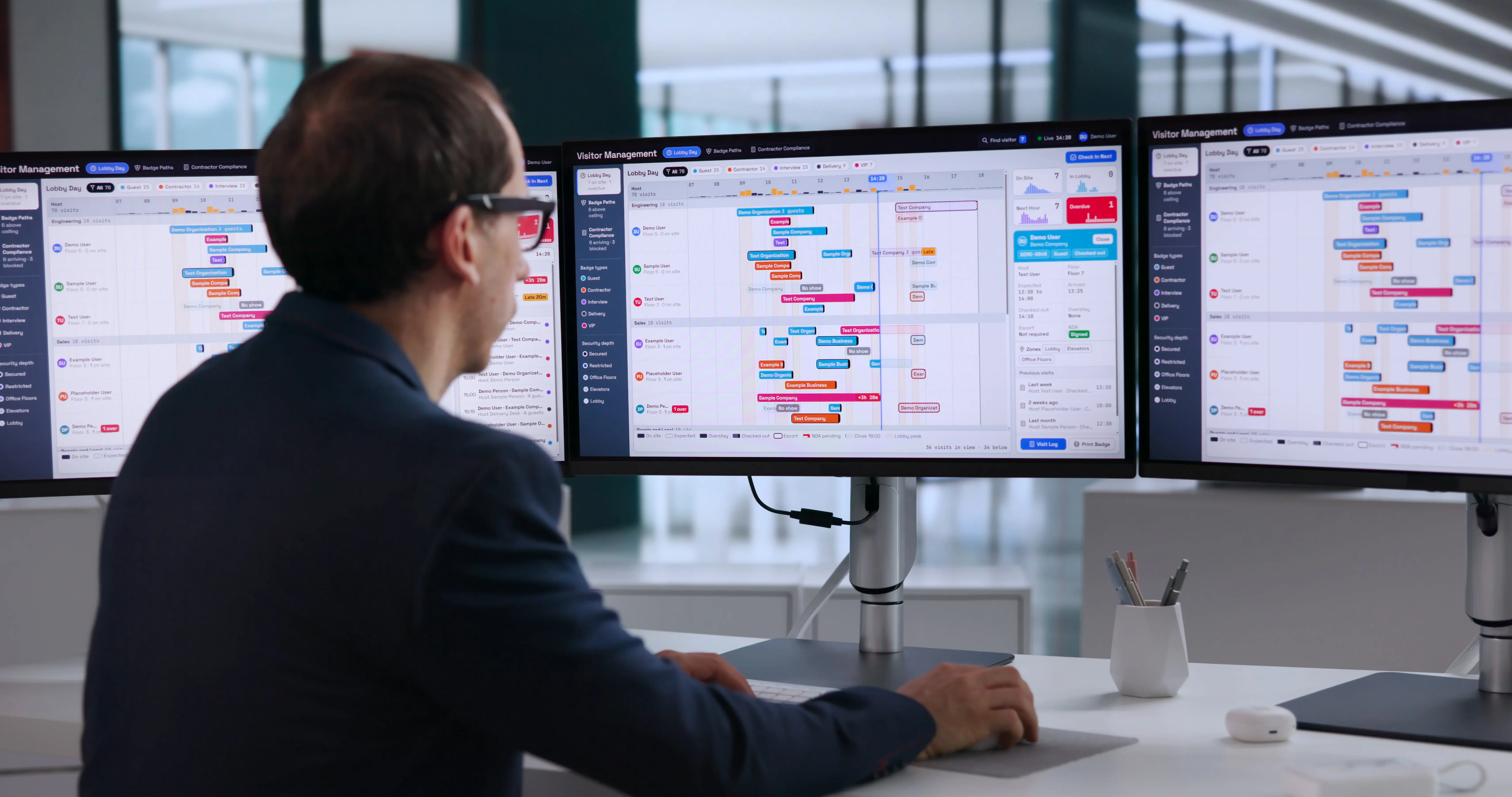
On the reception desk, the list of the day's visits updates continuously as visits are registered with NOVA. For registered visits, the receptionist has nothing left to type and can focus on the visitor in front of them.
On departure, the visit is closed with a tap, with a complete time-stamped record. The host receives a summary and can rate the welcome. These ratings feed into the site's quality management.
On the access side, every door opening is logged: who, when, where and how (NFC, QR or visitor access). Managers have a GDPR-compliant history, with no paper logbook to archive.
To see the full journey, from registration to check-out, visit the SaaSOffice Visitor Management page.
In conclusion
Secure visitor management rests on three moments: a visit registered in advance, a controlled arrival with access limited to the time slot, and presence tracked until departure. Each depends on one simple thing: registration being easy enough that employees actually do it.
Setup starts from your visitor profiles and your areas, then gets fine-tuned with use. To go further on securing entrances, our complete guide to workplace access control covers the technologies and selection criteria.
Would you like to see NOVA organize a visit on your own premises? In 30 minutes, we look at your reception, your visitor volumes and your security constraints, then show you NOVA orchestrating a visit on one of your sites.
FAQ: visitor management in the workplace
How do you handle a courier or an unannounced visitor?
With SaaSOffice, the receptionist registers them from the console when they arrive and selects the host. The host is notified immediately, just like for a planned visit. Parcels follow a dedicated process.
How do you keep track of visitor entries?
With SaaSOffice, every visit is closed with a tap on departure, with a complete time-stamped record. On the access side, every door opening is logged (who, when, where, how) in a GDPR-compliant history.
How do you handle a visitor who arrives without a QR code?
With SaaSOffice, the receptionist finds the visit by the visitor's or host's name in the console, then confirms the arrival in two taps. The QR code makes reception easier, but never leaves the visitor stuck.
How do you secure access for recurring contractors?
By registering them once, with access valid for a defined period. In SaaSOffice, their QR code stays active for the window set by the manager (week, month, contract), then stops being valid.
Do you need to replace your badge readers to manage visitor access?
No. SaaSOffice syncs with the main access control systems (sTid, Sezaam, Salto, ASSA ABLOY, SimonsVoss, TIL…). Visitor QR codes work on existing readers.
Photo credit: – stock.adobe.com